How to automate your social media content calendar (2026)
Automate a social media content calendar: connect sources, set pillars as guardrails, auto-generate posts, keep a human approval gate, then schedule and ship.
Last verified · 2026-10-23 · by Moe Ameen
Published 2026-09-08 · Updated
Short answer
To automate a social media content calendar, decide which tasks a machine can take over (scheduling, reformatting, reporting) and which stay human (strategy, final approval). Turn your content pillars and cadence into rules, connect sources like RSS or long videos, set recurring slots, let a generator draft into them, keep a human approval gate, then publish from one queue and tune the rules each week.
Key takeaways
- Automate the slow, low-judgment work first: scheduling, reformatting and reporting.
- Your content pillars are the guardrails. Without them the generator drifts into filler.
- A calendar needs sources to fill from, such as RSS, long videos or a newsletter archive.
- Never remove the human approval gate before posts go live.
- Leave a few slots open each week for timely, reactive posts.
Automating a social media content calendar means turning it from a to-do list you fill by hand each week into a pipeline that fills its own slots — pulling from sources, generating the posts, reformatting them per platform, and queuing them for publish, with you approving instead of authoring.
Most of the time saved comes from automated ideation, per-platform formatting, and batch caption generation, not from posting more.
This is a different job than the three upstream ones. Deciding your pillars, cadence, and campaigns is the planning workflow (our build-a-social-media-calendar guide); choosing the fields, views, and tool is the setup (set-up-a-content-calendar); the reusable grid itself is the template layer (social-media-calendar-templates). Automation sits on top of all three: it takes a calendar you have already planned and structured and makes the filling, formatting, and publishing happen without you touching each slot.
The principle that keeps it from going wrong is simple. Automate the tasks that cost the most time for the least judgment — scheduling, cross-platform reformatting, reporting, approval routing — and keep the human on the two things automation is bad at: strategy and the final call on what ships.
AI-generated posts still need a brand-alignment review before they publish, and your content pillars are the guardrails that keep the generator on-message instead of drifting into generic filler. Get those two right and hands-off is safe; skip them and you have just built a machine for publishing off-brand content faster.
How do you automate a social media content calendar, step by step?
- Decide what to automate — and what stays human. List every recurring task in your calendar workflow and sort by time-cost versus judgment. High-time, low-judgment tasks are the ones to automate first: scheduling, reformatting one source into per-platform variants, pulling performance numbers, routing approvals. Keep the high-judgment work human — your strategy, your pillar mix, your campaign timing, and the final sign-off on any post. Automation should remove the labor of filling slots, not the decision about what belongs in them.
- Turn your pillars and cadence into automation rules. A generator with no guardrails drifts. Give it your 3–6 content pillars, a rough mix ratio across them (how much you educate, entertain, inspire, and promote), and your per-platform cadence as explicit rules. Most brands want each pillar to appear at least once a week. These rules are what the automation fills against — they are the difference between on-brand output and a feed of interchangeable AI posts. If you have not locked pillars yet, do that before automating anything.
- Connect your content sources so the calendar has raw material. Automation needs an input. Wire up the sources the pipeline transforms: an RSS feed, a long-form video or podcast to clip, a newsletter archive, a folder of uploads, or a webhook. The calendar then auto-fills from those sources instead of from a blank page — a new blog post becomes a carousel and three text posts, a podcast episode becomes a week of clips. Without a source, "automation" is just a scheduler for content you still write by hand.
- Build recurring slot rules the automation fills. Encode your cadence as standing slots the engine targets: Reel Mon/Wed/Fri at noon, newsletter Tuesday, carousel Thursday, five X posts daily. Each slot carries its format, platform, and time, so the automation knows what kind of post each opening wants before it generates. This is the same recurring-slot skeleton you build for manual planning — automation just fills the slots instead of you assigning ideas to them one at a time.
- Auto-generate posts and reformat them per platform. Point the generator at your sources and rules and let it draft into the open slots — captions, hooks, hashtags, and variants — then reformat each piece to its platform (a vertical short for TikTok and Reels, a carousel for Instagram and LinkedIn, a trimmed caption for X). The reformatting hop is where automation earns most of its time savings: one source becomes six platform-native posts without you rewriting each one. Treat every draft as a first draft, not a finished post.
- Keep a human approval gate before anything publishes. This is the step you never remove. Route generated posts through a review queue so a person approves or edits before publish; for teams, use role-based, multi-level approval and lock a post once it is signed off. The gate is where off-brand copy, a wrong claim, or a badly-timed post gets caught. Fully hands-off publishing with no review is the classic automation failure — the machine will eventually ship something you would not have, and by then it is public.
- Auto-schedule and cross-publish from one source of truth. Once a post is approved, let the system schedule it to its slot time and fan it to every target platform from a single queue. Keep the calendar and the publisher in one place, or integrated tightly enough that "approved" flows straight to "scheduled" with no manual re-entry. A calendar in one tool and a scheduler in another, synced by hand, drifts — and drift is where double-posts and missed slots come from.
- Monitor, backfill performance, and tune the rules. Automation compounds only if you close the loop. Once a week, check what published, backfill impressions, watch time, and engagement onto each row, and feed that back into the rules: lean the pillar mix toward what worked, retire hooks that underperform, adjust send times. Also leave a few slots deliberately open each week for reactive, timely content the automation cannot anticipate — those often outperform the planned posts.
What goes wrong when you automate a content calendar?
- Automating without pillars is the fastest way to a feed of generic, off-brand posts. Pillars are the guardrails the generator fills against — lock them before you automate anything.
- Removing the human approval gate entirely is the classic failure mode. AI drafts need a brand-alignment review before they publish; hands-off with no review eventually ships something public you would have killed.
- Automation does not fix a bad plan — it executes it faster. If the strategy is wrong, you now produce wrong content at scale. Get the plan right first, then automate the labor.
- A calendar in one tool and a scheduler in another, synced by hand, drifts. Pick one source of truth for what is going out when, or automate the hop between them.
- Filling every slot with generated content leaves no room for reactive, timely posts, which frequently outperform. Deliberately keep a few slots open each week.
- Over-automating replies, comments, and DMs reads as spam and breaks trust. Automate production and scheduling; keep real conversation human.
Where does Kompozy fit in an automated content calendar?
Every step above is a hop you can wire together from separate tools, but Kompozy is built as the whole pipeline in one place — and, more to the point, it ships the two things that make automation safe rather than reckless: guardrails on generation and a gate before publish.
You connect sources (RSS, uploads, long-form video to clip, a newsletter archive), and the engine turns each one into finished posts across its 20 output formats — Persona Shorts, clipped verticals, Carousel Posts on your exact brand template, Photo Posts, Quote Graphics, blogs, and newsletters — then fans them out to the 9 platforms Kompozy supports. Autopilot keeps your forward slots continuously filled as new source material lands, so the calendar stops being a weekly scramble.
The part most automation setups get wrong, Kompozy makes the default. The generator is not a loose prompt — it is governed by a Persona Brief that carries your voice and pillars, with banned-word filters that reject off-message output before it exists, so the "pillars as guardrails" rule from step two is enforced at the point of creation instead of caught at review.
And nothing publishes unattended: a per-post review pipeline is the human approval gate from step six, where you approve or edit each piece before it ships. That is what lets you run hands-off without the failure mode of an automation that eventually posts something you would have killed.
The honest boundary: Kompozy owns generation, scheduling, and publishing on your own accounts; it is not a listening or community-management tool, so replies, comments, and DMs stay yours to handle — which is exactly where automation should stop anyway.
Starter ($199/mo for 5,500 credits, 4 platforms) fits a solo operator automating a lean multi-platform cadence; Pro ($499/mo for 18,000 credits, 9 platforms) adds full autopilot to keep the queue full across more platforms; Enterprise is available through Contact Sales for multi-brand calendars. Plan the strategy yourself — Kompozy automates the labor of filling it.
What does this look like in Kompozy?
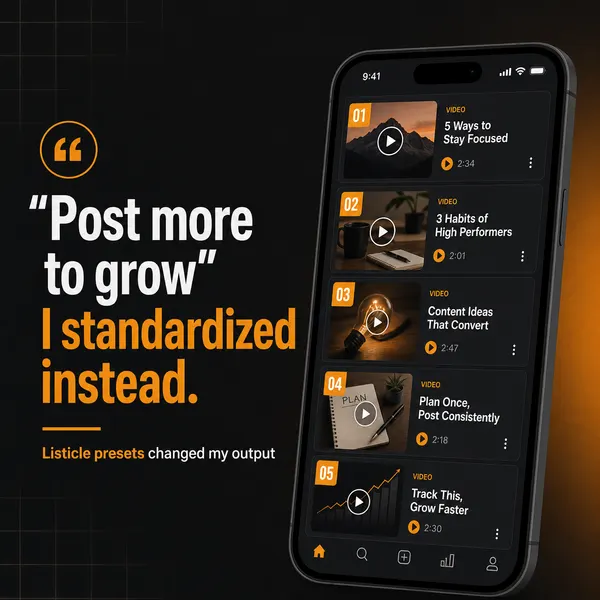
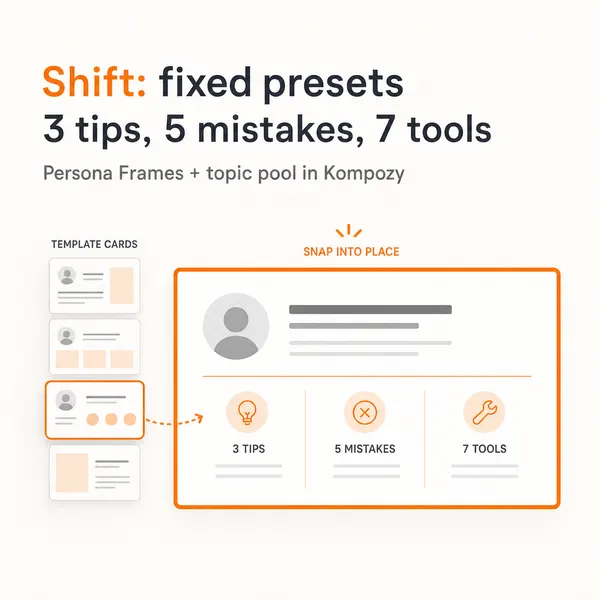
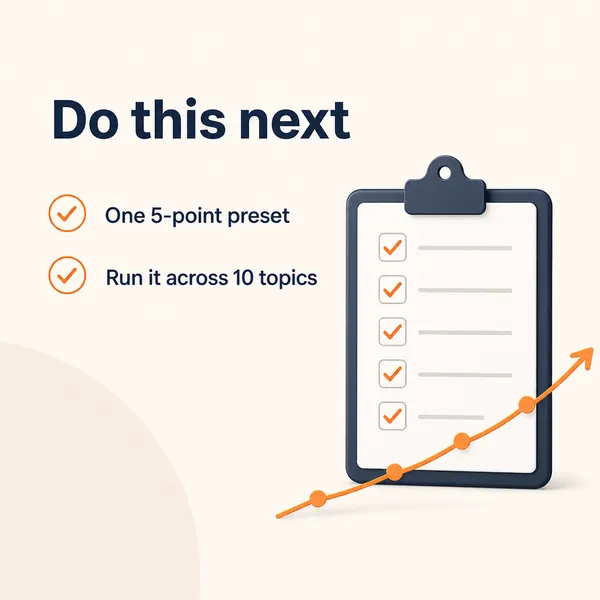
A real five-slide carousel from the Kompozy workspace, one of the formats an automated calendar can fill. We picked it to show the format; it didn't come from a customer's calendar.


Who is this for, and who should skip it?
Best for:
- Teams with clear pillars and a cadence who are tired of filling every slot by hand.
- Brands with steady source material: a blog, podcast, video channel or newsletter.
- Anyone willing to review drafts before they publish.
Not ideal for:
- Brands that haven't settled their strategy yet. Automation just runs a bad plan faster.
- Replies, comments and DMs. Keep real conversation human.
- Teams that want to publish with nobody checking.
Frequently asked questions
Can you fully automate a social media content calendar?
You can automate almost all of the labor — sourcing, generation, per-platform formatting, scheduling, and publishing — but you should keep a human approval gate before anything goes live, plus human ownership of strategy and pillars. End-to-end publishing with no review is the failure mode: the automation will eventually ship an off-brand or ill-timed post, and by then it is public.
What should I automate first in my content calendar?
Start with the tasks that cost the most time for the least judgment: scheduling, reformatting one source into per-platform variants, pulling performance data for reports, and routing approvals. Leave strategy, pillar mix, campaign timing, and the final approval to a human. Automate the repetitive filling, not the decisions about what belongs in each slot.
Does automated content hurt reach?
Not inherently. What hurts reach is generic, off-brand content — and that comes from automating without guardrails, not from automation itself. If your pillars, brand voice, and a human review step keep the output on-message, automated posts perform like any other. The drift into interchangeable AI filler is what an algorithm and an audience punish.
How is this different from building or setting up a content calendar?
Building a calendar is the planning workflow — deciding pillars, cadence, and campaigns. Setting one up is the tool-side build — fields, views, and whether to use Notion, Airtable, or a dedicated tool. Automating it sits on top of both: it takes a calendar you have already planned and structured and makes the filling, formatting, and publishing happen without you touching each slot.
Do I still need content pillars if AI generates the posts?
More than ever. Pillars are the guardrails that tell the generator what to produce; without them the AI has no anchor and drifts toward generic output. Give it 3–6 pillars with a rough mix ratio, aim for each pillar to appear at least once a week, and the automation fills your calendar with on-brand posts instead of filler.
How far ahead can automation plan a calendar?
Automation can keep your forward slots continuously filled rather than planning to a fixed horizon — as sources produce new material, it drafts into upcoming slots on a rolling basis. You still lock and review specific posts about two weeks out, and leave a few near-term slots open for reactive content the automation cannot anticipate.
How do we know this?
This page is workflow advice, so its only factual claims are about Kompozy. We checked those against kompozy.io/pricing on 2026-10-23 and cut figures we couldn't back up.
Sources
- Kompozy — Pricing (read 2026-10-23)
- Kompozy — Home (read 2026-10-23)
Related tutorials
- How to build a social media calendar (2026 planning workflow)
- How to set up a content calendar (2026 tools + actual mechanics)
- How to batch-create content (the full batch-day workflow, 2026)
- How to build a social media workflow (2026): the idea-to-published system
- How to build a social content engine with the Buffer API (2026)
- How to curate content for social media (find, frame, credit, and schedule third-party content, 2026)