How to publish native content on Facebook and beat the link-post limits (2026)
Facebook now limits free link posts. How to publish value natively, keep the link in comments, and repurpose one source into a native post on every feed.
Last verified · 2026-10-23 · by Moe Ameen
Published 2026-09-18 · Updated
Short answer
To work around Facebook's link-post limits, put the value in the post itself and keep the URL out of the body. Some non-paying Pages are now capped at two link posts a month unless they pay for Meta One for Business. Post a text, carousel, video or graphic version, add the link in the first comment and your bio, and build native versions for your other platforms. Meta's own data shows 98.7% of US Feed views had no external link.
Key takeaways
- Some Pages are limited to two link posts a month unless they pay for Meta One for Business.
- Publisher Pages have been treated as exempt, so check your own Page's notices.
- Meta's Q1 2026 report: 98.7% of US Feed content views had no outside link.
- Lead with the value, then put the link in the first comment and your bio.
- Make a native version for every other feed so no one platform's rules can sink your traffic.
In 2026 Meta began testing a cap on how many organic posts containing an external link a non-paying Facebook Page or professional account can publish — around two a month for affected accounts — with more link posts available on a paid Meta One for Business subscription, which launched in September 2026.
The details are still shifting (the free allowance, the tiers, the countries), but the message is settled: the bare link post is on its way out, and Meta's own data says it was already reaching almost no one — 98.7% of U.S. Feed content views in its Q1 2026 report did not include a link to a source outside Facebook.
The fix is not paying for the right to keep posting links that don't work. It is switching to native-first publishing: put the actual value in the feed, keep the link nearby but out of the post body, and rebuild each source into the format each platform rewards so your reach never hinges on one platform's link tolerance. This is the concrete, per-post workflow for doing that on Facebook — and for making it survivable across every other feed you run. For the strategy and the reach math behind it, see Facebook link-post fees and native-content strategy.
How do you know if Facebook's link-post limit applies to your Page?
- Confirm whether your Page is actually subject to the limit. Before changing your workflow, check what your specific Page sees. The limit has rolled out to select business Pages and professional accounts in certain markets, and Publisher Pages have been treated as exempt, so not every account is affected yet. Look for an in-app notification about link-post limits, and watch whether a link post gets flagged or counted against a monthly allowance when you publish. Confirm your own situation rather than assuming — the test's terms have changed repeatedly, and reacting to a headline instead of your Page's actual state wastes effort.
- Rework the post to lead with value, not the link. The core change is that the post must be worth engaging with on its own, whether or not anyone clicks. Take whatever you were about to link to and pull the substance forward into the post itself: the two or three real takeaways, the surprising number, the before-and-after, the actual tip. A reader should finish the post feeling they got something, not feeling teased toward a click. This single shift is what unlocks the reach Facebook rewards, and it is what makes every later step (like link-in-comments) actually pay off.
- Choose the native format the post should take. Value in the feed looks different depending on the material. A written source (a blog post, a guide) works best as a text post or a multi-slide carousel that walks the argument. A video or audio source becomes native video or a Reel. A single strong insight becomes a quote graphic; a data point becomes an infographic image. Pick the one format that fits the material and Facebook's feed rather than dumping a link with a caption. Building the actual asset is the real work here — do it deliberately, not as an afterthought to the URL.
- Move the link to the first comment — and your bio. Publish the native post without a URL in the body, then drop the link into the first comment and pin it. Because the post no longer contains an external link, it is not classified as a link post, so it can reach a wider audience and — under the fee test — need not consume one of your limited link-post slots. Point to it with a short line ('full breakdown in the comments'). Also keep your primary URL in the Page bio and use link stickers where the format supports them, so intent always has somewhere to go.
- Build a native version for every other platform too. Do not stop at Facebook. The same source should become a native post on each feed you run — a text post or carousel for LinkedIn, vertical clips for the video-first feeds, a quote graphic for the scroll — plus a blog post and a newsletter on channels you own, where your link is never throttled. This is the difference between reacting to one platform's policy and being immune to all of them: when the native post is your unit everywhere, no single feed's link rules can materially hurt your traffic.
- Schedule into each feed and track native vs link reach. Queue the native versions to publish in each platform's active window rather than all at once, then compare their reach against the link posts you used to make. Watch reach, saves, shares, and profile/bio clicks — not just outbound link clicks — because the native post's job is broader than a single click. If the native posts out-reach your old link posts over a few cycles, that is the evidence that turns this from a workaround into your default way of publishing.
- Reserve any paid link slots for the posts that truly need them. If you do subscribe, or you have a small monthly allowance of link posts, spend it deliberately. Most posts should be native with the link in a comment; save an actual in-body link post for the rare case where the direct click genuinely matters — a time-sensitive launch, a registration deadline, a sale — and where you have evidence that audience clicks through. Treating link posts as a scarce resource rather than a default forces exactly the prioritization that improves the whole feed.
What mistakes undo a native-first Facebook strategy?
- Link-in-comments only works on top of a genuinely valuable native post. If the post is still just a teaser for the link, moving the URL changes the classification but not the low engagement — reach stays capped.
- Do not lean on 'comment below for the link' engagement-bait phrasing or reply-gating; Meta demotes manufactured engagement, and it can cost you the reach you were trying to earn.
- The test's terms have moved repeatedly — the free allowance, the tiers, the prices, the countries. Verify your Page's current limits rather than trusting a specific number from any article, including this one.
- Cross-posting one identical asset to every platform is not native-first; it usually underperforms. Each feed needs a version shaped to it, which is where the real production cost hides.
- Native reach is worth little if intent has nowhere to go. Keep the bio link current and the first comment pinned, or you will earn reach and capture none of it.
This is a legitimate publishing strategy, not an attempt to evade Meta's rules — moving a link to a comment is a permitted formatting choice, and native posting is what Facebook's own guidance and data reward. Because the link-post limit is an evolving test, follow Meta's current Page terms and notifications for your account rather than any fixed figure, and avoid engagement-bait tactics Meta explicitly demotes.
How do you make a native version of every post for every platform?
The bottleneck this workflow exposes is step 3 and step 5: turning one source into a real native asset for Facebook, and then into a different native asset for every other feed. That is the work the bare link let you skip, and doing it by hand every week is why most Pages kept link-dumping until Meta started charging for it. Kompozy is built for exactly that hop. It is a full AI content generation and multi-platform publishing engine, not a scheduler, so from one source it generates the native formats each feed rewards rather than one asset you reformat — a Carousel Post or Quote Graphic for the Facebook scroll, Clipped Shorts and avatar-voiced Persona Shorts for the video feeds, Photo Posts and infographics, plus a Blog Article and an Email Newsletter on the channels you own, where your link is never throttled. Step 3 stops being a design session and step 5 stops being four more of them.
The native-first tactics from this guide map onto how it publishes. A Persona Brief keeps your voice consistent so ten native posts from one source still read as one company, and HyperFrames renders every card pixel-exact so the native versions look deliberate, not like reformatted link previews. Autopilot then queues the whole native set across nine social platforms plus blog and email from one review pipeline — and the per-post review gate is precisely where you do the human moves this fee change rewards: confirm the value leads the post, and add the URL as the pinned first comment or route it through the bio rather than dropping it in the body. You publish native everywhere and the link never has to be the post again.
Be clear on the boundary: Kompozy produces and distributes; it does not decide which source is worth posting this week, write your point of view, or pin your comment for you — those stay yours (steps 1, 2, and 7 are judgment). What it removes is the production tax that made native-first impractical by hand, which is the whole reason link posts survived as long as they did. Starter ($199/mo, 5,500 credits) fits a solo creator moving one or two feeds off link posts; Pro ($499/mo, 18,000 credits) sustains a creator or small team publishing one source natively across every platform; Enterprise is available through Contact Sales for agencies running this across many brands.
What does this look like in Kompozy?
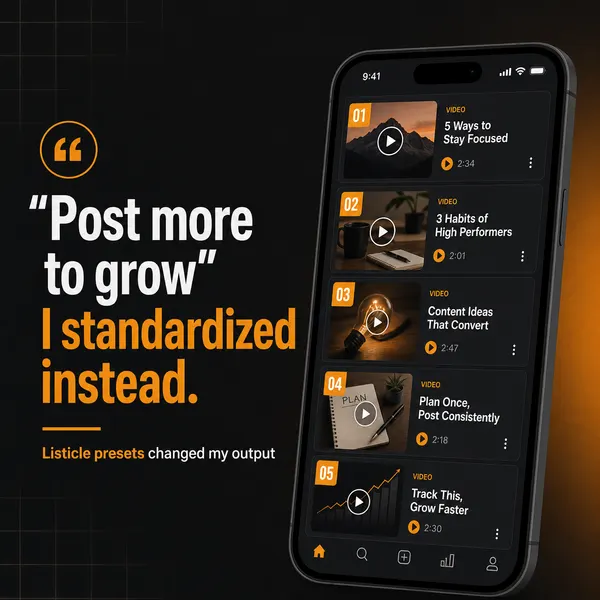
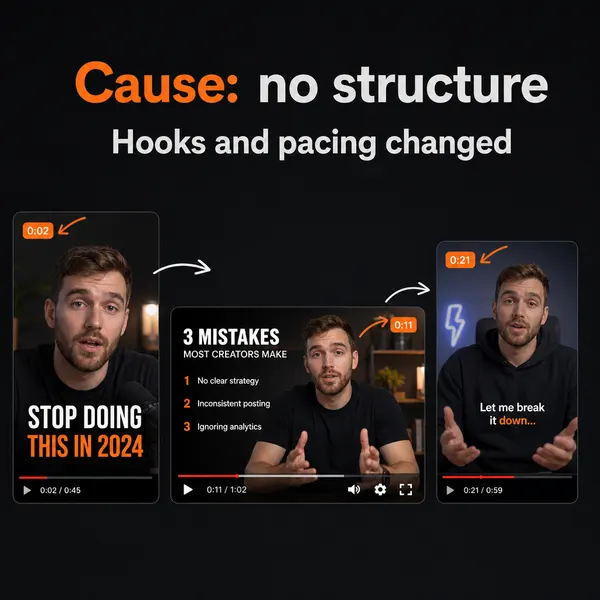
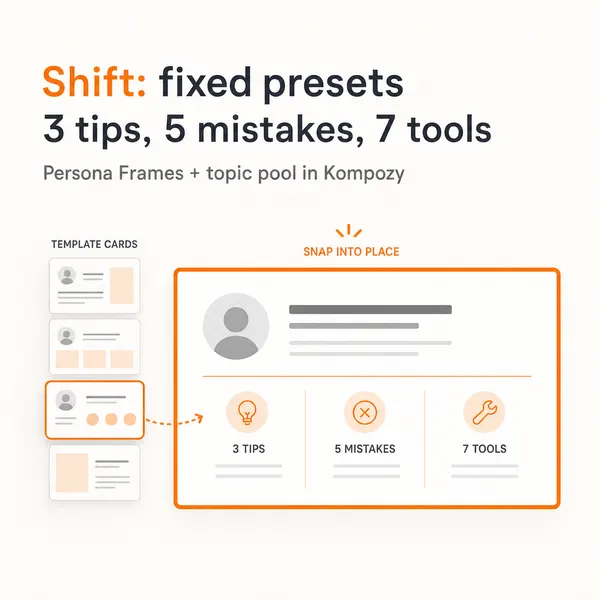
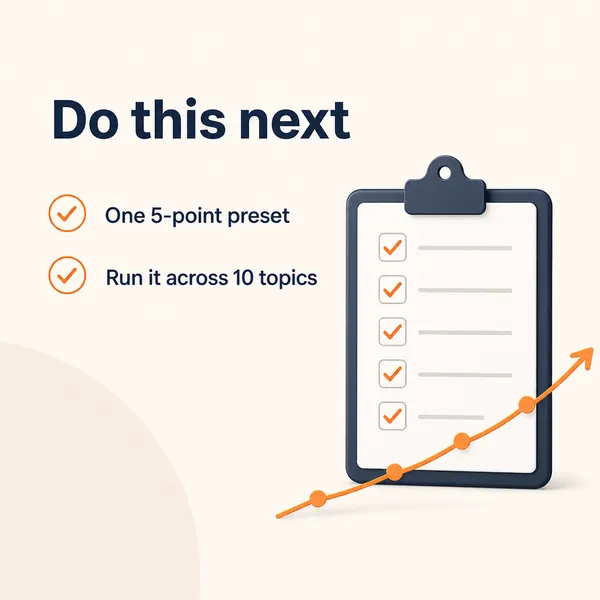
A real carousel made in the Kompozy workspace, shown as an example of the format. It was not made for this guide.

Who is this for, and who should skip it?
Best for:
- Pages that used to post bare links and saw little reach from them.
- Brands with blogs, videos or podcasts they can turn into native posts.
- Teams publishing to several platforms who want one source to feed all of them.
Not ideal for:
- Publisher Pages, which Meta has treated as exempt from the test.
- Pages whose whole model depends on frequent in-body links. A paid tier may make sense there.
- Anyone who wants the link comment pinned for them. You still do that step.
Frequently asked questions
How many links can a Facebook Page post for free now?
Under Meta's 2026 test, affected non-paying Pages and professional accounts have been capped at roughly two organic posts containing an external link per month, with more available on a paid Meta One for Business subscription, which launched in September 2026. But the exact allowance, the tiers, and the countries covered have changed during the rollout and Publisher Pages have been treated as exempt, so check your own Page's notifications for its current limit rather than relying on a single number.
Does putting the link in the comments really avoid the limit?
It helps on both counts. A post with no URL in its body is not classified as a link post, so it can reach a wider audience and, under the fee test, generally does not consume one of your limited link-post slots. You still drive clicks from a pinned first comment. The catch is that this only pays off if the post itself is worth engaging with — link-in-comments on a bare teaser still underperforms.
Will I lose traffic if I stop posting links on Facebook?
Usually the opposite, if you switch to native-first. Bare link posts were already reaching almost no one by Meta's own numbers, so they were driving little traffic to begin with. A native post that delivers value earns far more reach, and you capture intent through the pinned comment, your bio link, and link stickers — plus the same source published natively on other feeds and on your own blog and newsletter, where the link is never throttled.
Is it worth paying for Meta One for Business just to post links?
For most Pages, no — not as a way to keep posting the same bare links. Paying removes the cap but not the underlying problem that link posts reach few people. The subscription can make sense for its other benefits or for a Page whose model genuinely depends on frequent in-body links, but the higher-leverage move is to shift to native posting and reserve any link posts you do make for the rare cases where a direct click truly matters.
How do we know this?
On 2026-10-23 we checked the link-limit test details and Meta's Widely Viewed Content figures against the sources listed below. Kompozy plan details come from kompozy.io/pricing.
Sources
- Social Media Today: Facebook Pages get charged for link posts (read 2026-10-23)
- Meta Transparency Center: Widely Viewed Content Report (Q1 2026) (read 2026-10-23)
- Kompozy: Pricing (read 2026-10-23)