TL;DR: Nobody makes social content with one tool. It is five jobs — write, design, video, voice, publish — and here are the 17 AI tools worth paying for across that line in 2026, plus the one engine that runs all of it.
Most "best AI tools for social media" lists are a scroll of 40 logos with no view on which one you actually need. The useful cut is by the job in front of you. Making social content is a pipeline — writing the caption or script, designing the graphic, producing the video, adding voice, and getting the finished post sized, scheduled, and published on every platform. Different tools win each stage, and the common mistake is buying the one everyone is posting about instead of the one that fixes your bottleneck: a clipper when you needed a scheduler, a design app when you needed a writer.
So this list is organized by that pipeline, with the strongest pick in each lane and an honest note on where it stops. I run Kompozy, so I will be direct about the trade: the specialists below out-perform any all-in-one at their single job — Midjourney makes a better image than any engine's image step, Runway a more cinematic clip, ElevenLabs a richer voice. Kompozy sits in the top slot not because it beats each specialist head-to-head, but because it is the only tool here that spans every stage and ends in a published, correctly-sized, captioned post across nine platforms — which for social specifically is the difference between a folder of assets and content that actually shipped. Prices were re-checked on each vendor's own pricing page on October 23, 2026; these tools reshuffle credits and tiers constantly, so confirm before you buy.
#1 · All-in-one — the engine that runs the whole social line · $199/mo Starter
Kompozy
Verdict: Best when you want one tool that generates across formats and publishes them, correctly sized and captioned, everywhere — instead of stitching six subscriptions together.
Best at: It is the only tool here that covers write, design, video, voice, and publish end to end for social. Point it at a blog, podcast, or URL and it generates 20 formats — persona/avatar shorts, clipped shorts, carousels, quote cards, photo posts, blogs, and newsletters — governed by your brand voice and a face-locked persona, then auto-captions each one, sizes it per platform, and fans it across the eight social platforms plus blog and email on one credit line with scheduling and a review pipeline (avatar video runs on your own HeyGen account). It runs the same models the specialists do (Claude and OpenAI for copy, gpt-image for images, Gemini face-lock for avatar photos, HeyGen for avatar video) and adds the social-specific finish a raw tool has no idea about: per-platform aspect ratios, burned-in captions, brand-exact framing, and native publishing.
Limit: Any single-lane specialist out-renders its matching step: Midjourney is more art-directed, Runway more cinematic, ElevenLabs richer on voice. If you only ever do one job — just design, just clip, just write — a specialist is cheaper and sharper. Kompozy wins on breadth and on getting the post shipped, not on any one render.
More →#2 · Write — captions, hooks & ideation · Free; paid Go, Plus, and Pro plans
ChatGPT (OpenAI)
Verdict: Best default brainstorming and drafting tool — the one most social teams already open first.
Best at: The broadest general-purpose assistant for outlining posts, drafting captions and hooks, spinning content calendars, and quick research, now with strong image reading and built-in image generation. The safe first tool for anyone who writes social copy, with the largest ecosystem of prompts behind it.
Limit: Its default caption prose can read generic and AI-tell-y without careful prompting, and it is a chat sandbox — turning its output into a sized, scheduled post is separate work.
#3 · Write — natural long-form & threads · Free; Pro $20/mo ($17/mo billed annually)
Claude (Anthropic)
Verdict: Best for copy that does not read as AI — the pick when voice and longer threads matter.
Best at: The consensus choice for the most natural prose and the steadiest long-form drafts; it holds a brand voice across a thread, carousel script, or newsletter and edits cleanly to a style guide. Kompozy uses Claude under the hood for exactly this reason.
Limit: Fewer consumer extras than ChatGPT (image generation is not its focus), and like any chat model it stops at the text — the design, captions, and publishing are still on you.
#4 · Write — brand-voice marketing copy · $69/mo Pro ($59 annual)
Jasper
Verdict: Best for teams that want a governed brand voice across campaigns and ad variants.
Best at: A mature brand-voice system built for marketing copy, campaign sequences, and ad variants at volume — deeper on written content and voice consistency than a generalist chatbot, with team workflow features.
Limit: Text only. No design, video, or publishing layer around the copy, and it is priced well above the consumer writing assistants.
More →#5 · Design — social graphics & carousels · Free; paid Pro and Business plans
Canva Magic Studio
Verdict: Best for design-led posts, carousels, and brand-kit visuals.
Best at: Magic Design, Dream Lab image generation, and Magic Write sit inside a design canvas with full Brand Kit control, a huge template library, and Magic Resize for per-platform sizing — the fastest path from blank page to on-brand graphic, with a Content Planner that schedules to the major platforms.
Limit: Design-first, not video- or copy-first; its generative image and video quality trail the dedicated models, and its scheduler is lighter than a purpose-built one.
#6 · Design — commercially-safe images · From $9.99/mo
Adobe Firefly
Verdict: Best when commercial usage rights on generated media are non-negotiable.
Best at: Image and video generation trained on Adobe Stock and licensed content, with generative fill, expand, and deep Photoshop and Premiere integration — the safest choice for a brand that cannot risk training-data questions on a public post.
Limit: Credits deplete quickly on the entry tier, and it is a generation layer inside the Adobe suite, not a standalone social workflow.
More →#7 · Image — art direction & aesthetics · Paid subscription plans (see midjourney.com)
Midjourney
Verdict: Best pure image quality for a distinct, recognizable visual style.
Best at: The most art-directed text-to-image output available, with fine control over style, lighting, and composition — ideal for thumbnails, hero images, and a signature brand aesthetic.
Limit: It makes loose images, not social assets — no reliable on-image text, no templates, no per-platform sizing, and no way to publish. You still build the post around it elsewhere.
More →#8 · Image — text-in-image & typography · Free (30 credits a week); Plus $20/mo ($15/mo billed yearly)
Ideogram
Verdict: Best when the graphic needs legible text baked in — posters, quote cards, and typographic posts.
Best at: The strongest model for rendering accurate words inside an image, which is exactly what social posters, meme text, and typographic quote graphics need — the lane where most image models still garble letters.
Limit: Narrower than Midjourney on pure aesthetics and art direction, credit-metered on the higher-quality model, and it is a single-asset generator with no captions, layout system, or publishing.
#9 · Video — talking-head avatars · Free tier; Creator $29/mo ($24 annual)
HeyGen
Verdict: Best AI avatar video for a face on camera without filming.
Best at: Avatar IV renders convincing talking-head video with realistic micro-expressions and gestures in 175+ languages, plus voice cloning that preserves tone — the fastest way to a spokesperson clip with no camera. It is the avatar engine behind Kompozy Persona Shorts.
Limit: Photoreal avatar video burns credits quickly, and it is one output type — no captions pipeline, B-roll, or scheduler wrapped around the clip.
More →#10 · Video — cinematic generation & B-roll · Standard $12/mo, Pro $28/mo (billed annually)
Runway
Verdict: Best for cinematic, generative B-roll and shots you cannot film.
Best at: Its Gen-4.5 model produces high-quality text-, image-, and video-to-video clips with real camera control — what creators reach for when a post needs a cinematic scene or motion graphics rather than a person talking.
Limit: Credit-metered and pricey per finished second, so it is a shot generator, not a volume social machine — and the clips still need captions, cutting, and publishing.
More →#11 · Video — clipping long-form into shorts · Free tier; Starter $15/mo; Pro $29/mo
OpusClip
Verdict: Best dedicated clipper for turning one long video into many captioned vertical shorts.
Best at: Its virality scoring finds the highest-engagement moments in a long video and cuts them into captioned vertical clips with speaker tracking and reframing — the sharpest single-purpose tool for the podcast- or webinar-to-Shorts workflow. Pro adds advanced AI clipping — visual, sound, and emotion detection — plus AI B-roll and higher monthly volume.
Limit: It only does one thing — video to video. It will not write a caption from scratch, design a carousel, or generate net-new video; for those you need a broader engine.
More →#12 · Video — hands-on editing with AI · Free; Pro $19.99/mo ($179.99/yr)
CapCut
Verdict: Best hands-on editor that also generates — the most complete manual timeline with AI baked in.
Best at: ByteDance's CapCut is a full editing suite — timeline, effects, transitions, auto-captions, background removal — with a growing set of AI generation tools and a genuinely usable free tier. The pick when you want to edit each short yourself with AI assisting every step.
Limit: It is a manual editor at heart: you assemble and publish each video by hand, its generative models trail the dedicated engines, and the AI features need a paid plan.
More →#13 · Video — transcript-based editing · Free; Hobbyist $16/mo (annual); Creator $24/mo (annual)
Descript
Verdict: Best if you edit talking-head and podcast video by editing the transcript.
Best at: Transcribes your footage and lets you edit the video by editing the text, with AI cleanup — filler-word removal, studio sound, eye-contact correction, and an AI clip finder for shorts. The most intuitive workflow for interview and podcast repurposing.
Limit: An editor, not a generator or a scheduler; it polishes footage you recorded rather than producing net-new multi-format social content, and metered AI credits make costs harder to predict.
#14 · Voice — AI voiceover & cloning · Free tier; Starter $6/mo; Creator $22/mo
ElevenLabs
Verdict: Best AI voice for faceless video, narration, and voice cloning.
Best at: The most natural text-to-speech and voice cloning available, with expressive delivery across dozens of languages — the go-to for faceless Reels narration, TikTok voiceover, and dubbing. Commercial rights require at least the Starter plan.
Limit: It produces audio only; you still assemble the video, add captions, and publish elsewhere. The free tier does not include a commercial license.
#15 · Video — repurposing blogs & recordings · From ~$25/mo Starter (annual)
Pictory
Verdict: Best when your input is existing blogs or long recordings you want turned into social video.
Best at: Paste a blog URL, script, or long recording and it builds a multi-scene video with matched stock footage, captions, and AI voiceover, then cuts several social clips from one source — the repurposing job that saves you starting from a blank timeline.
Limit: Output has a stock-footage look, tiers cap per-video length and gen-AI credits, and it is a video maker, not a brand system or multi-format publisher.
More →#16 · Publish — simple scheduling & queue · Free (3 channels); Essentials $5/mo per channel
Buffer
Verdict: Best simple scheduler for creators who make content elsewhere and just need it posted.
Best at: A clean, reliable queue for scheduling across the major social platforms, with a genuinely usable free tier for up to three channels — the low-friction pick when all you need is to line finished posts up and let them ship.
Limit: It only schedules — it generates nothing, and per-channel pricing adds up fast as you add platforms. It is the last mile, not the content itself.
More →#17 · Publish — management & analytics at scale · From $99/user/mo Standard (billed annually)
Hootsuite
Verdict: Best for teams that need scheduling, inbox, and analytics for many accounts in one console.
Best at: A mature social management suite — scheduling, a unified inbox, analytics, and an AI writer across a large spread of accounts — built for agencies and teams managing distribution and reporting, not just a personal queue.
Limit: Priced well above a solo scheduler and heavier than most creators need, and its AI writer is a light add-on, not a real generation engine.
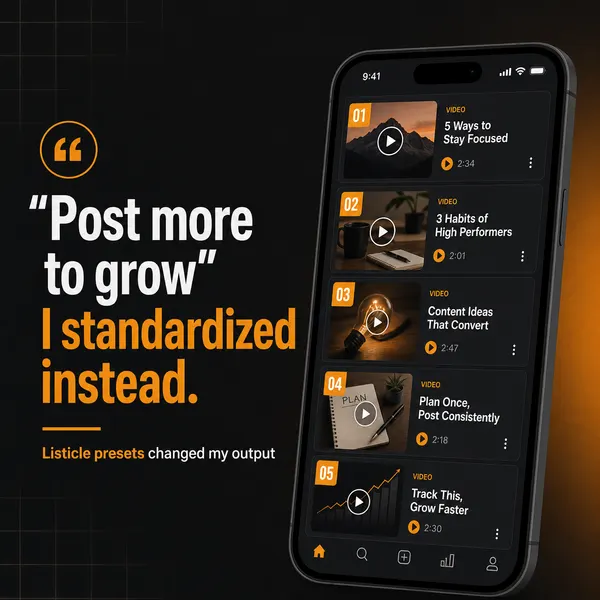
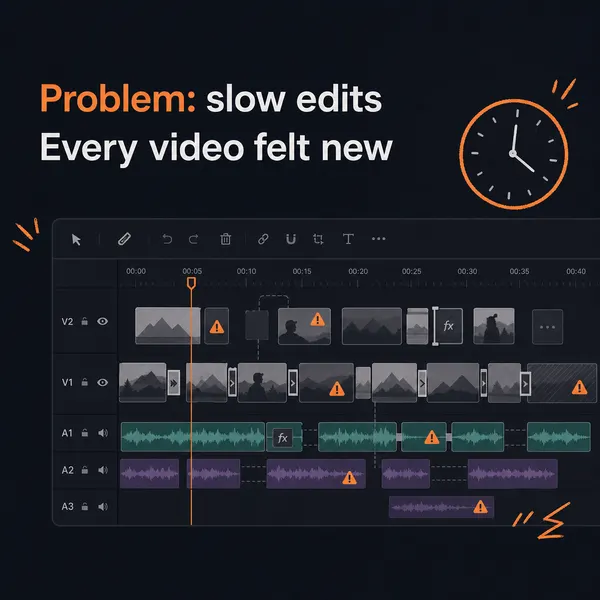
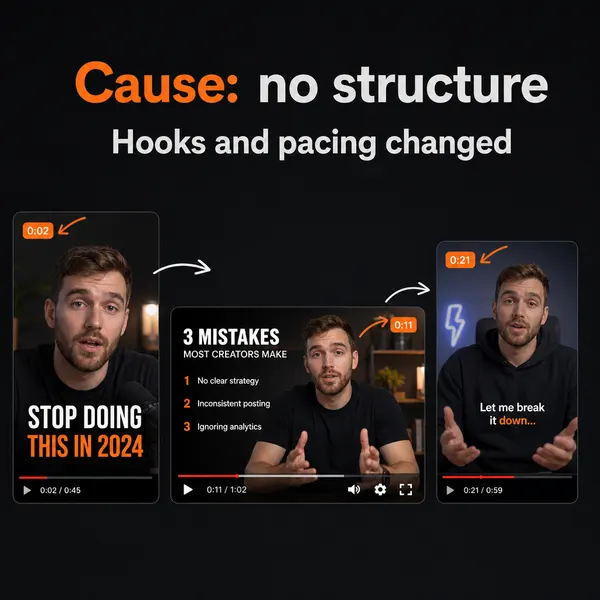
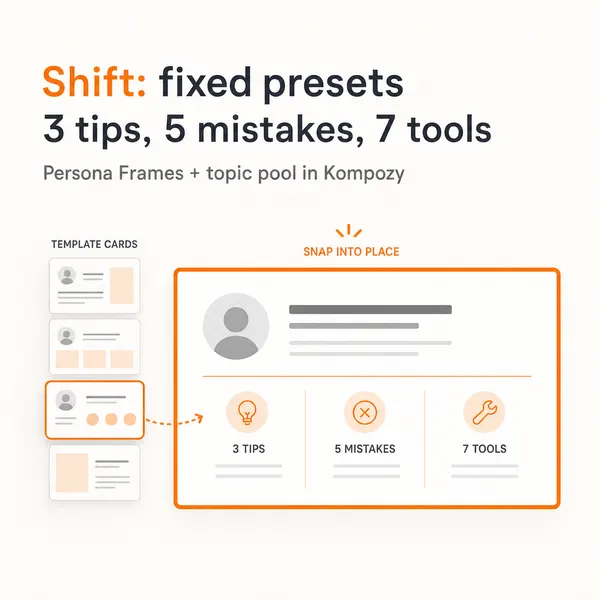
More →This five-slide carousel came out of the Kompozy workspace as-is. It is one of the formats Kompozy writes, designs, and sizes for social, not a post about any tool listed here.
We re-checked every price, plan limit, and figure on this page against the vendor pages listed below on October 23, 2026, and rewrote or removed any we could not confirm (ChatGPT, Canva, and Midjourney prices we could not read on their blocked pages). Kompozy plan details come from kompozy.io/pricing.