Camtasia Plugin for ChatGPT
TechSmith's Camtasia plugin for ChatGPT turns a set of workflow screenshots into a narrated, editable how-to-video storyboard, then renders it in Camtasia Online — no screen recording required.
Last verified · 2026-10-23 · by Moe Ameen
Published 2026-09-15 · Updated
Short answer
The Camtasia plugin for ChatGPT is a TechSmith tool that turns screenshots into a narrated how-to video from inside a ChatGPT chat. You install it from ChatGPT's Plugins menu, sign in with a TechSmith account, type @Camtasia, drop in one screenshot per step, and get an editable storyboard with an AI voiceover script, callouts, and zoom. Camtasia Online then renders and exports the video.
Key takeaways
- Upload one screenshot per step and the plugin builds a narrated tutorial storyboard you can edit.
- Each scene has a voiceover script, AI voice, lower-third callout, zoom focus area, and optional click effect.
- Clicking Generate Video opens Camtasia Online to preview, edit, and export an MP4.
- It makes one tutorial video. Short clips and posting are separate jobs.
What is the Camtasia plugin for ChatGPT?
The Camtasia plugin for ChatGPT is a TechSmith feature that turns a set of screenshots into a narrated instructional video from inside a ChatGPT conversation — without opening a screen recorder or a timeline editor. You install it from ChatGPT's Plugins menu (search for Camtasia and click Install), then sign in with (or create) a TechSmith account to connect it.
From there, you invoke it in any conversation by typing @Camtasia or clicking the + button, drag your screenshots into the prompt, describe the video you want, and the plugin returns an editable storyboard for a step-by-step tutorial. TechSmith's own guidance is to use a separate screenshot for each step in your process.
The storyboard is where the work happens, and it is genuinely detailed. It generates an intro scene with a customizable project title, one scene per screenshot, an AI narration script with selectable voices, lower-third callout text, automated zoom and pan focused on the areas that matter, and an optional animated cursor with click effects. You refine the script and the focus points before anything renders. When you click Generate Video, Camtasia Online opens and produces the finished video, where you can view it, add transitions, trim, adjust the look and layout, and export.
TechSmith frames this as a "generative screencast" — real workflow screenshots become a structured, narrated tutorial in a few steps instead of a live recording plus a separate voiceover pass. You need a TechSmith account and a ChatGPT account to use it, and the finished video renders in Camtasia Online. TechSmith's support article for the plugin was last updated August 28, 2026. It doesn't list a price, so check current terms in the app.
Honest framing for a creator: this makes one narrated tutorial from images, fast and cleanly. It is a video-creation feature, not a distribution system. It outputs a single how-to video that lives in Camtasia Online — no vertical cuts, no social captions, no other formats, and no scheduling.
What can you make with the Camtasia plugin?
- A narrated, step-by-step how-to video built from workflow screenshots, no screen recording needed
- Product onboarding, feature walkthroughs, support articles, and SOP videos from stills you already have
- An editable storyboard with AI narration (selectable voices), callout text, zoom/pan focus areas, and an animated cursor
- An intro scene with a custom project title, plus one scene per screenshot that you can edit and refine
- A polished export from Camtasia Online after adding transitions, trims, and layout tweaks
What does a Camtasia tutorial still need before people find it?
A screenshot tutorial has a discovery problem the plugin doesn't solve: it produces one help-doc video, but the people who most need it — prospects deciding whether your product is worth learning, users stuck on step 4 — are searching, scrolling vertical feeds, or skimming, not sitting through a landing-page embed. Kompozy exists to close that gap, and it does it by generation, not just scheduling: it turns one tutorial into every surface where someone might actually look for the answer.
The tightest fit is the plugin's own structure. Camtasia builds the tutorial as discrete steps, and Kompozy maps those steps onto formats a screencast never produces. Feed the exported video into Quick Ingest and each step becomes a vertical Clipped Short with burned-in branded captions, reframed for Reels, TikTok, and Shorts — a micro-answer to one specific "how do I…" question instead of one long file. The same steps become a swipeable Carousel Post and Quote Graphics rendered brand-exact through HyperFrames, a how-to Blog Article that ranks for the task, an Email Newsletter tip, and native Text Posts — all held to one voice by your Persona Brief. When you'd rather have a recognizable host explain the feature than narrate over stills, Kompozy generates recurring, face-locked Persona Shorts instead of a disembodied voiceover. Then it schedules and publishes the whole set across the eight social platforms plus blog and email with Autopilot, behind a per-post review gate. Camtasia makes the tutorial; Kompozy turns it into a searchable, multi-surface knowledge series.
- Build the tutorial in the Camtasia ChatGPT plugin: upload one screenshot per step, refine the storyboard, then Generate Video and export from Camtasia Online.
- Drop the exported MP4 into Kompozy Quick Ingest as the source for a new content unit.
- Set your Persona Brief once, then clip the video into per-step vertical Clipped Shorts with branded captions, reframed for each feed.
- From the same source, fan the steps into a Carousel Post, Quote Graphics, a how-to Blog Article, an Email Newsletter, and native Text Posts — one voice across all of them.
- Review each piece behind the per-post gate, then schedule and publish across the eight social platforms plus blog and email with Autopilot.
What does this look like in Kompozy?
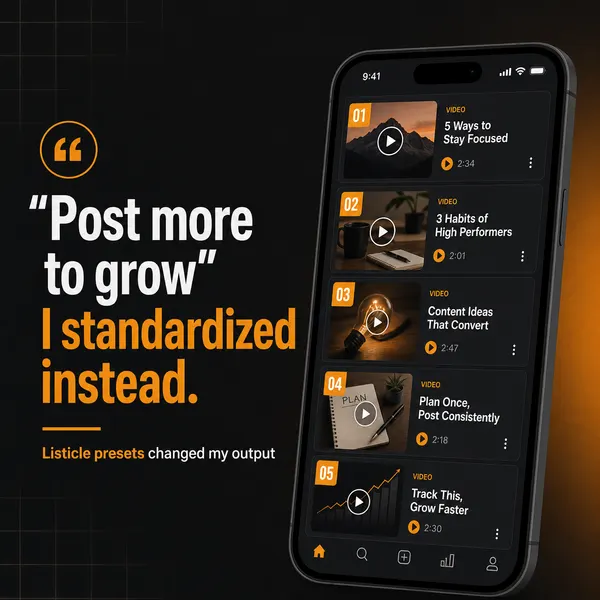
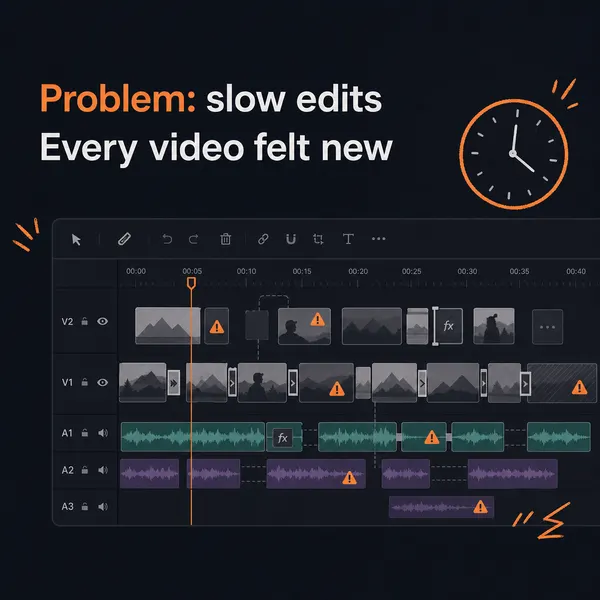
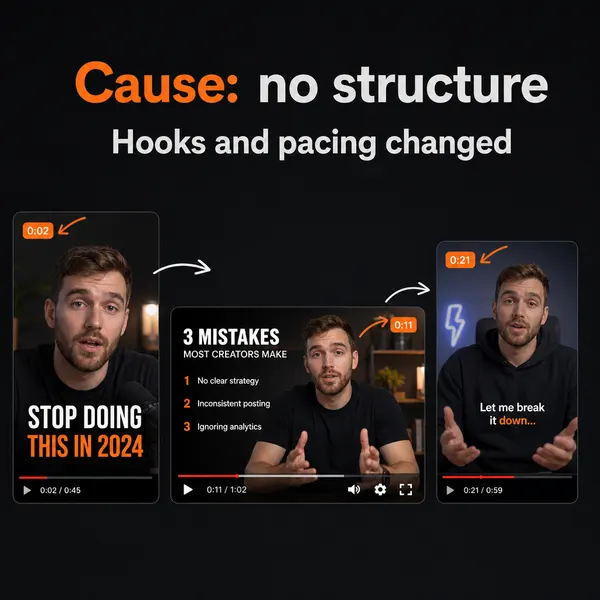
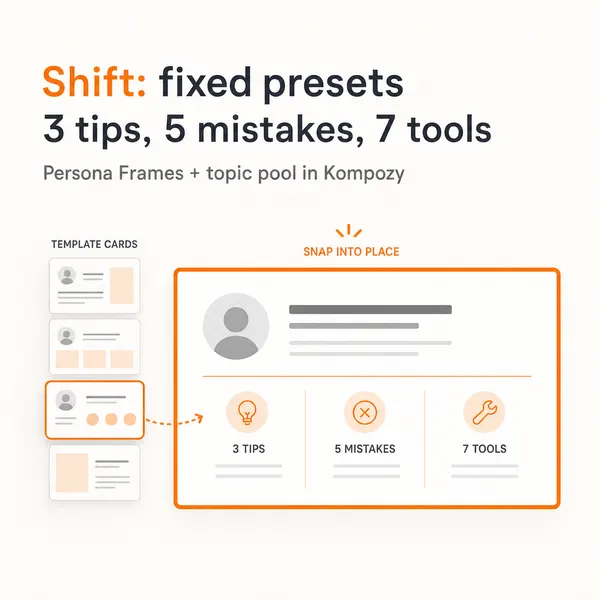
A real five-slide carousel made in the Kompozy workspace. It's the format we suggest for turning the steps of a screenshot tutorial into something people can swipe through.
Who is this for, and who should skip it?
Best for:
- Support and onboarding teams who already have screenshots of a process
- Product marketers who need a narrated walkthrough without recording their screen
- Anyone who wants to edit the script before a video renders
Not ideal for:
- Live-motion demos. Those are still better recorded directly
- Teams that want vertical clips or posts. The plugin outputs one video
- People without a TechSmith account or a ChatGPT account. You need both
Frequently asked questions
What does the Camtasia plugin for ChatGPT do?
It turns uploaded screenshots into a narrated how-to video from inside a ChatGPT conversation. You install it from ChatGPT's Plugins menu and sign in with a TechSmith account, then invoke it in a chat with @Camtasia or the + button, drop in your screenshots, and describe the video. The plugin returns an editable storyboard — AI narration script, callout text, zoom/pan focus areas, an animated cursor, and an intro scene — and when you click Generate Video, Camtasia Online renders and exports the finished result.
Do I need a paid Camtasia subscription to use it?
TechSmith's support article says you need a TechSmith account (new or existing) and a ChatGPT account, and it doesn't list a price for the plugin. The video renders in Camtasia Online, so check current terms in the app before you rely on it.
Can the plugin make vertical shorts or post to social media?
No. It generates one instructional video and leaves it in Camtasia Online. It does not cut vertical shorts, add social captions, reframe per platform, generate other formats, or schedule and publish. To turn the tutorial into per-platform posts you bring it into a content engine like Kompozy, which clips, captions, repurposes into every format, and publishes across the eight social platforms plus blog and email.
How is this different from recording a screencast in Camtasia?
A traditional screencast means recording your screen live and editing the timeline. The plugin skips both — you feed it screenshots and a prompt, and it builds a narrated storyboard automatically, which you render in Camtasia Online. It suits step-by-step processes you can capture as stills; live-motion demos are still better recorded directly.
How do we know this?
We checked every figure, date, and price on this page against the sources listed below on 2026-10-23, using TechSmith's support article for the plugin. Kompozy plan, format, and platform details come from kompozy.io and kompozy.io/pricing.
Sources
- TechSmith Support — Camtasia Plugin for ChatGPT (updated August 28, 2026) (read 2026-10-23)
- Kompozy — Home (platforms, formats, Persona Brief, autopilot) (read 2026-10-23)
Related tools
- Descript — An AI audio and video editor you drive by editing the transcript — with the Underlord AI assistant, Studio Sound, AI avatars and voices, and translation, built for podcasts and video.
- ChatGPT Video Generation — The honest state of making video with ChatGPT in 2026: it writes scripts, shot lists, and render prompts and generates stills — but it renders no video, and OpenAI's Sora video model is being shut down.
- HeyGen — AI avatar video platform that turns a text script into a talking-head video — in 175+ languages.
- ChatGPT — OpenAI's AI assistant for writing, ideas, and images — which, since late July 2026, refuses direct requests to write "in the style of" a specific named author.
- Synthesia — The category-leading AI avatar video platform — paste a script, pick from 100s of stock avatars or clone your own, and render a narrated talking-head video in 160+ languages.
- ChatGPT Sketch — OpenAI's draw-to-image feature — sketch a rough guide in ChatGPT with @Sketch and the model renders it into a detailed, composition-controlled image.