How to manage social media with Claude (2026)
Use Claude to plan, write, and manage your social media: set up a brand Project, build a content calendar, batch-write native posts, keep one voice.
Last verified · 2026-10-23 · by Moe Ameen
Published 2026-09-07 · Updated
Short answer
To manage social media with Claude, set up a Claude Project with instructions for your voice and a knowledge base of brand docs and example posts. Ask it for content pillars and a monthly calendar, then batch-write native drafts for each platform. Claude outputs text only, so make visuals elsewhere, queue posts through a connected tool such as Buffer's MCP server, and paste your numbers back in weekly.
Key takeaways
- A Project keeps your instructions and brand files across every chat inside it.
- Current Claude models output text, so images and video come from other tools.
- Buffer's MCP server lets Claude put drafts in your Buffer queue for review.
- Claude only knows your results if you paste them in or connect a tool.
- Check every number and claim Claude writes before it goes public.
Claude is one of the strongest writing and reasoning models for social work, and "managing" your channels with it means far more than asking for a caption. Set up right, it becomes one place to plan a month of content, hold your brand voice across every draft, and turn a single idea into native posts for each platform. What makes that work is a Claude Project — a persistent workspace with custom instructions and a knowledge base that every chat inside it inherits, so you stop re-explaining your brand every session.
Two limits to be clear on before you start. Claude writes and plans; it does not make the video, carousel, or image, and it has no native text-to-image model. And it works inside a conversation you drive. Out of the box it will not run your calendar, read your analytics, or publish on a schedule by itself.
Within those edges it is genuinely fast at the planning-and-writing half of the job. This guide is the full workflow: the Project setup, the calendar, batch-writing native drafts, the handoff to a scheduler, and a weekly review loop — and exactly where you still do the work by hand.
What is the first step to manage social media with Claude?
- Create a Claude Project as your social HQ. Instead of starting a fresh chat every time, make a Project and write its custom instructions once. Define Claude's role (your social strategist and copywriter), your positioning, your voice, banned words, and the behavioral defaults you want on every reply. Every conversation inside the Project inherits those instructions, so you stop re-pasting your brand and every draft starts from the same brief.
- Upload a tight knowledge base. Add the documents Claude should reference: a one-page brand and voice guide, your audience and offers, a few of your best-performing posts as voice examples, and per-platform rules (LinkedIn analytical, Instagram punchy, and so on). Keep each file short and specific. Tight documents are easier to keep accurate and give Claude less noise to sift through.
- Plan the strategy and calendar first. Before writing a single post, ask Claude to propose content pillars, a posting cadence per platform, and a month-long calendar mapped to your goals. Have it output the plan as a table you can edit — an Artifact keeps it in a working panel beside the chat. Push back and iterate until the calendar reflects real themes and dates, not filler; this is the spine the rest of the workflow fills in.
- Batch-write native drafts from one source. Paste a blog post, transcript, notes, or a rough idea and ask for platform-native variants — a LinkedIn version, a tighter X take, a Threads chain — not one caption copied everywhere. Working a week or a pillar at a time is where Claude earns its keep: fast, interactive drafting and repurposing that would take hours by hand, all against the voice your Project already holds.
- Edit in the loop, not after. Treat the first output as a draft and steer it in the same chat: "tighten the hook," "cut the third line," "make it sound less like ad copy." Claude is far better used as a fast collaborator you correct in real time than as a one-shot generator you accept or discard. Lock the drafts you approve into your calendar doc as you go.
- Make the visuals somewhere else. Claude writes text; it cannot generate the video, carousel, or image your posts need, and has no built-in image model. Produce visuals in your own design or video tools (or connect an external image generator through MCP), then pair them with the copy. This is the step most people underestimate — the words come fast, the assets do not.
- Hand finished posts to a scheduler. Claude has no native publishing. To get drafts into a queue, connect a scheduling tool through the Model Context Protocol — the Buffer MCP connector lets Claude drop finished text straight into your Buffer queue as a draft or scheduled item you review before it goes live. The full setup is in the guide on posting to social from Claude; the key point is that Claude drafts and queues, the scheduler publishes.
- Run a weekly review loop. Managing is a cycle, not a batch. Once a week, paste your own performance numbers back into the Project (Claude cannot see them unless you share them or connect a tool that exposes them) and ask what worked, what to double down on, and what to cut. Feed that read into the next calendar so each week is informed by the last, which is the difference between using Claude to write posts and using it to actually manage a channel.
What can't Claude do when managing your social media?
- Claude cannot generate media. It writes and plans but makes no video, carousel, or image — you create every visual elsewhere and pair it with the copy.
- It only runs while you drive it. On its own it will not work your calendar, publish on a schedule, or act on a trigger without you prompting it in a chat.
- It can't see your analytics on its own. Unless you paste the numbers in or connect a tool that exposes them, it's guessing.
- A single prompt drifts; a Project persists. Without custom instructions and a knowledge base, every new chat forgets your brand and the drafts revert to generic assistant voice.
- Overstuffed knowledge files dull the output. Long, kitchen-sink uploads bury the rules that matter, so trim before you add.
- New facts and stats need checking. Claude will state confident specifics that are wrong; verify any number, date, or claim before it goes into a public post.
Where does Claude stop in social media management, and where does Kompozy fit?
Notice what the word "manage" quietly does across these steps: it stretches from a calendar and some copy to a standing operation — produce every format the calendar calls for, keep it running week after week, and get it published. Claude covers the front of that (a Project is a brilliant brief and a fast writer) but the back of it restarts every session with you at the keyboard, because the Project is the plan, not the operation that runs the plan. Kompozy is that operation. It takes the same brand definition you'd load into a Claude Project — its Persona Brief plays the exact role of your custom instructions and voice files — and runs it as a system that doesn't stop when you close the tab.
The concrete handoff is calendar-to-execution. Where Claude drafts a month of themes and native text, Kompozy takes a source and produces the finished library those themes need — Persona Shorts and captioned clips, Carousel Posts rendered to your exact brand template, Photo Posts, Quote Graphics, Listicle and Naturalistic videos, plus the copy, blogs, and newsletters, 20 formats in all, so the visuals Claude has to send you off to make elsewhere are generated in the same pass as the words. Then Autopilot closes the loop Claude can't: it ingests a source on a recurring schedule, generates the batch, and routes it into a per-post review queue before fanning it across nine social platforms plus blog and email — the unattended, calendar-running half that the Model Context Protocol path explicitly doesn't do. Its pipeline stats (posts generated, published, publish rate) are the operational read-out that the manual review loop in step eight approximates by hand.
The honest split: keep Claude for what it's best at — thinking through strategy, drafting and refining copy conversationally, being the analyst you paste numbers into. If the bottleneck is producing every format and keeping the whole calendar shipping without you living in a chat window, that's the line Kompozy is built for. Starter runs $199/mo (5,500 credits) for a solo operator; Pro is $499/mo (18,000 credits) for a team running a full multi-platform calendar every week; Enterprise is available through Contact Sales. Claude plans and writes the month; the engine makes the assets and actually manages it.
What does this look like in Kompozy?
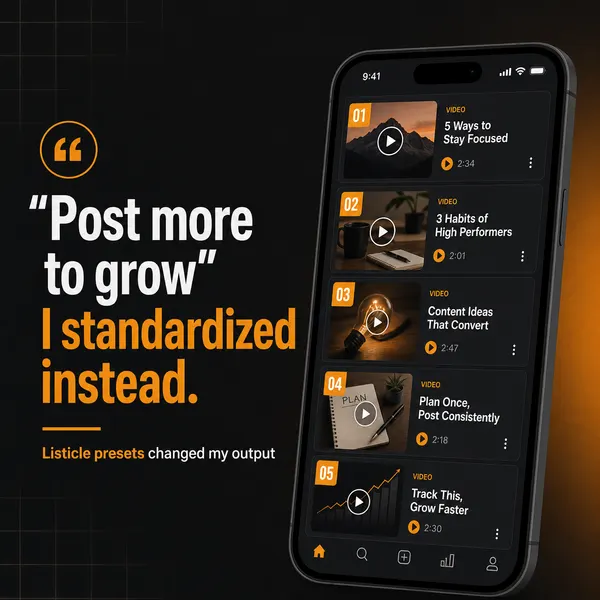
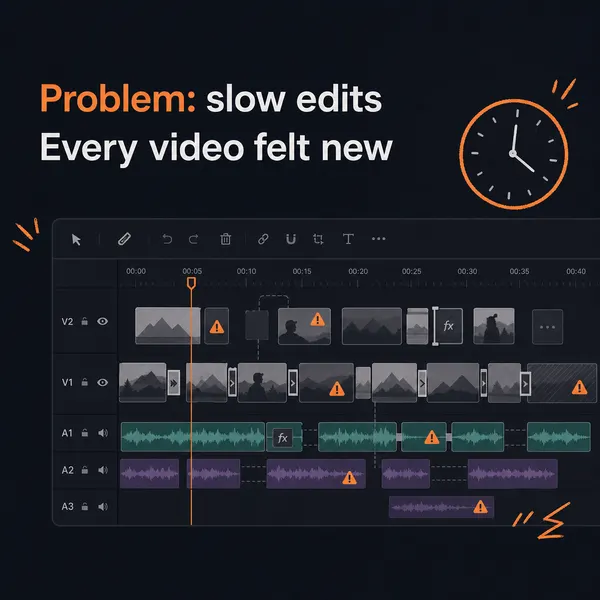
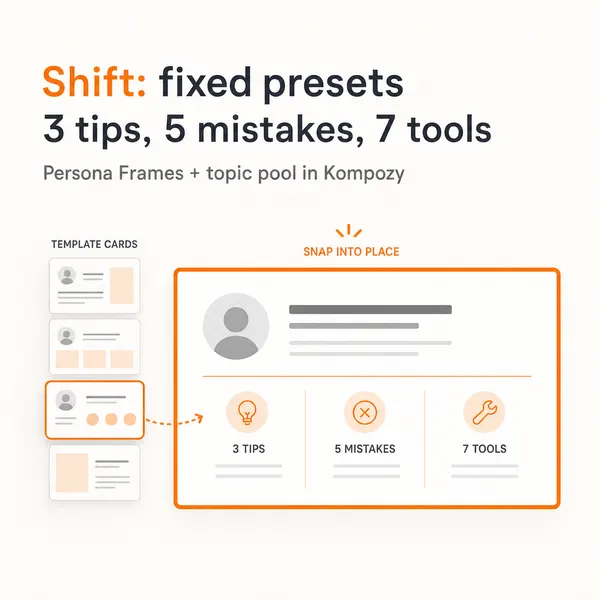
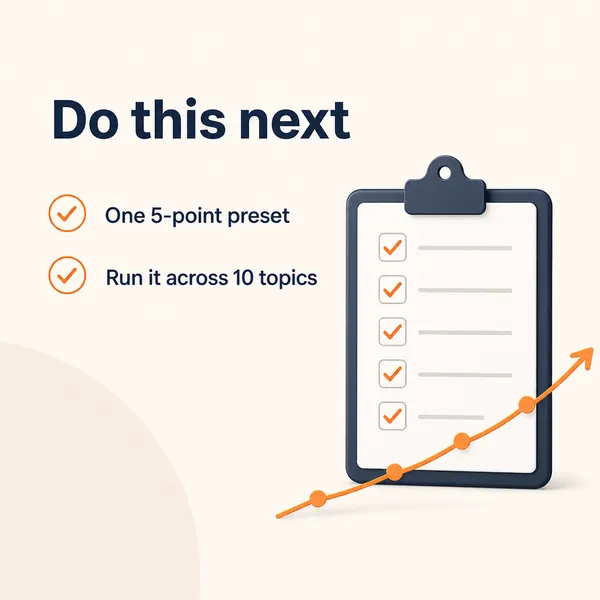
A five-slide carousel generated in the Kompozy workspace. It is one of the visual formats Claude leaves you to make elsewhere.

Who is this for, and who should skip it?
Best for:
- Solo marketers who want a fast planning and copywriting partner.
- Teams that already have design tools and a scheduler like Buffer.
- Anyone willing to drive the work in a chat each week.
Not ideal for:
- Teams that need every format generated and published without someone in a chat window.
- Anyone expecting Claude to read account analytics on its own.
Frequently asked questions
Can Claude manage my social media on its own?
No. Claude is an interactive strategist and writer. It plans and drafts inside a conversation you drive, and on its own it won't work your calendar, publish on a schedule, or act on a trigger without you prompting it. It also can't read your analytics unless you share them, and it can't make your visuals. It manages the planning-and-writing half of the job; the operation around it stays yours.
How do I keep Claude on-brand across every post?
Use a Claude Project, not one-off chats. Its custom instructions define your role, voice, and banned words once, and its knowledge base holds your brand guide and example posts — every conversation in the Project inherits both, so drafts start on-brand instead of in a generic assistant voice you have to re-correct each session.
Can Claude schedule and publish my posts?
Not natively. Claude drafts the text; publishing happens in a separate tool you connect through the Model Context Protocol, such as the Buffer MCP connector, where posts land in a queue you review before they go live. Claude writes and queues; the scheduler publishes.
Can Claude make the images and videos for my posts?
No. Current Claude models take text and image input and produce text output, so there is no built-in image or video generator. It can analyze images you upload and build SVG or interactive graphics through Artifacts, but for post visuals you use a design or video tool (or connect an external generator via MCP) and pair the result with Claude's copy.
Should I use a Claude Project or just a good prompt?
A Project for anything ongoing. A strong one-off prompt is fine for a single post, but managing a channel means dozens of sessions where the brand context matters every time — a Project carries your instructions and knowledge files across all of them automatically, so you're not rebuilding context on each chat.
Can Claude analyze my social media performance?
Only from data you give it. Claude can't read your accounts on its own, so you paste in your own metrics (or connect a tool that exposes them) and it reasons over them — spotting patterns, suggesting what to cut or scale. It's a smart analyst of the data you provide, not a reporting tool that reads your accounts.
How do we know this?
We checked every figure and product claim on this page against the sources listed below on 2026-10-23, and removed or reworded claims we could not verify. Project features come from Anthropic's help center, model output types from Anthropic's models overview, and the queue workflow from Buffer's MCP page. Kompozy plan details come from kompozy.io/pricing.
Sources
- Anthropic: What are projects? (read 2026-10-23)
- Anthropic: Models overview (read 2026-10-23)
- Buffer: Buffer MCP Server (read 2026-10-23)
- Kompozy: Pricing (read 2026-10-23)