How to set up an AI assistant as your social media manager (2026)
Set up an AI assistant like Claude as your social media manager: build a persistent brief, plan weekly, draft per platform, then review before publishing.
Last verified · 2026-10-23 · by Moe Ameen
Published 2026-09-06 · Updated
Short answer
To set up an AI assistant as your social media manager, create a persistent workspace such as a Claude Project, write project instructions covering your positioning, pillars, tone and banned words, and upload your best past posts. Then run a weekly loop: plan, draft per platform, review every post, and schedule the batch. Claude uses project instructions for every chat in the Project, but it won't make your visuals or publish while you're offline.
Key takeaways
- Use a Claude Project or similar workspace so your brand context carries across chats.
- Write the brief once as project instructions. Claude applies them to every chat in the Project.
- Upload a handful of your best posts. Examples teach voice better than adjectives.
- Keep the angle and the final approval yourself.
- Route visuals and scheduled publishing to other tools. Buffer's integration can queue posts from Claude.
Most people use an AI assistant for social the same way every time: open a fresh chat, paste some context, ask for a few posts, close the tab, repeat tomorrow. It works, but nothing compounds — the assistant forgets who you are between sessions, the voice drifts, and you are re-teaching it your brand every single morning.
Setting one up as an actual social media manager means the opposite: a persistent workspace that already knows your positioning, your pillars, your banned words, and your best past posts, so every session starts from your brand instead of a blank model.
This guide builds that setup step by step, using Claude as the example because its Projects feature is purpose-built for persistent, brand-aware work — but the pattern maps to any assistant with saved instructions and a knowledge store. You will define what the assistant owns versus what stays your call, write the brief once, load your reference material, and then run a repeatable weekly loop: plan, draft per platform, repurpose one source into many, and review before anything ships. The honest part comes at the end — a chat assistant plans and writes; it does not make your video or carousels, and it does not publish on a schedule while you are offline — so the last steps are about wiring those two gaps to a production-and-publishing layer.
What do you need to set up an AI assistant as a social media manager?
- Create a persistent workspace, not a fresh chat. The whole difference between "using AI" and "having an AI manager" is persistence. In Claude, create a Project; in another assistant, use whatever equivalent saves instructions and files across conversations. Everything you set up next lives here, so every future session inherits your brand context automatically instead of you re-pasting it. A one-off chat is a tool; a persistent workspace is a manager.
- Write the brief as custom instructions. This is the core setup and it pays off every session after. Write persistent instructions that state your positioning, your audience, your three-to-five content pillars, the tone you want, and the words, claims, and topics you never use. In Claude, project instructions apply to every chat within the Project, so your voice rules carry into every session automatically.
- Load reference material into the knowledge store. Instructions tell the assistant who you are; examples show it. Upload a handful of your best-performing past posts, your brand or style guide, and any product facts it must get right. A model matches a voice from examples far better than from adjectives — "punchy and warm" is vague, but five posts that are punchy and warm are unambiguous. This is a one-time upload that makes every draft afterward sound like you.
- Define what the assistant owns and what you keep. Write the split into the instructions explicitly. The assistant owns the tactical, repeatable work: planning the calendar, drafting platform-native copy, repurposing a source into variants, suggesting hooks and hashtags. You keep two things it is worst at — the angle (the specific take each piece carries) and the final approval (whether it is accurate, on-brand, and right to publish now). Naming the line up front is what keeps the manager a manager and not an unsupervised publisher.
- Run a weekly planning session. Once a week, open the workspace and ask the assistant to plan the coming week against your pillars and cadence — which themes on which days, how a launch or series sequences, where the gaps are. Because the brief is already loaded, it plans in your context, not in the abstract. You edit the plan, decide the angle on each piece, and hand the approved plan back. This short weekly ritual replaces the daily "what do I even post" tax.
- Draft platform-native versions from one source. Give the assistant one source — a transcript of a video or podcast, a blog post, or your rough notes — and ask for native drafts per platform: the LinkedIn version, a punchier X thread, an Instagram caption, a carousel outline, a newsletter section. Ask for variants built for each platform's real format and length, not one post copied everywhere. This repurposing step is where a single recording becomes a week of distinct posts.
- Make the visuals the assistant cannot. Here is the first hard limit: a chat assistant writes text but does not produce the video, carousel graphic, or image — and on most feeds the visual is the post. The assistant hands you a carousel outline and a clip list; you still owe a production pass. Either make the media in your own design and editing tools and attach it, or route the plan to a generation engine that renders the assets from your brief (see the Kompozy section below).
- Put a human review gate before publishing. Never publish straight from an unreviewed draft. Read each piece for the wrong stat, an off-brand line, a broken platform format, or tone-deaf timing, and edit or kill anything that misses. This gate costs seconds per post and removes the entire class of public mistakes that auto-publishing invites. It is also your compliance gate — where you add any required disclosure that content is AI-assisted or AI-generated.
- Schedule the batch instead of posting live. The second hard limit: a chat assistant only acts while you are typing to it — it will not push a queue live on Tuesday morning while you are offline. Load the approved batch into a scheduler (or a publishing engine with autopilot) so it ships on your calendar without you present at post time. Batching a week or a month ahead is what unchains you from posting live every day across platforms and time zones.
- Feed results back and tune the brief monthly. A manager learns. Once a month, paste your performance summary into the workspace and ask what to double down on and what to cut, then fold the answer back into the instructions and the reference posts. Add new winners to the examples, retire formats that flopped, sharpen a pillar that is working. The setup gets better precisely because the brief is persistent — you are improving one manager, not restarting from zero each time.
What mistakes keep an AI assistant from working as a social media manager?
- Using a fresh chat every day. Without a persistent workspace the assistant forgets your brand between sessions and the voice drifts. Set up a Project (or equivalent) once so every session starts from your context.
- A vague brief. "Sound professional but friendly" produces generic output. Load a handful of real example posts — a model matches a voice from examples far better than from adjectives.
- Expecting it to make the media. A chat assistant writes text, not video, carousels, or images. If you skip planning for the production pass, you end up with great drafts and nothing to post.
- Assuming it can publish on a schedule. The assistant only acts inside a conversation you start. It will not run your queue while you are offline — that needs a scheduler or a publishing engine wired in.
- Auto-publishing without review. The single most damaging mistake. Keep a human clearing each post; the seconds it costs prevent the wrong stat or off-brand line from going live under your name.
- Letting the model pick the angle. Asked for "a post about X," it writes the average post about X. Decide the specific take yourself, then hand it over to execute — that is what keeps the output distinct.
- Never updating the brief. A manager that never learns is just a fast drafter. Feed performance back monthly and fold the winners into the instructions so the setup compounds.
What can't a chat assistant do as a social media manager, and what fills the gap?
The setup above gives you a manager that plans and writes — and then stops at exactly two steps: "make the visuals it cannot" and "schedule the batch instead of posting live." Those are not gaps in your setup; they are the edges of what any chat assistant can do. Kompozy is the specialist your assistant delegates those two steps to. Think of it as promoting the brief you just handwrote into a system: the same voice, pillars, and banned words you typed into your Claude Project live in Kompozy as a Persona Brief that governs generation — except here the brief does not just shape text, it drives the actual production.
That is the concrete difference. Where your assistant returns a carousel outline and a clip list, Kompozy renders the finished assets from a single source: Clipped Shorts and captioned vertical video, Carousel Posts built to your brand template, photo posts, quote graphics, persona and avatar video, plus text posts, blogs, and newsletters — 20 formats in all. So the repurposing step your assistant can only plan becomes finished media with the visuals attached, closing the "make the visuals" gap without a separate design afternoon. Then Autopilot closes the scheduling gap: it generates the batch, routes it into a per-post review queue on a recurring schedule, and publishes the approved set across the nine social platforms plus blog and email — the runs-while-you-are-offline behavior your chat assistant structurally cannot provide. Your monthly review ritual maps straight onto its review pipeline, so the human-approval gate you built is enforced in the product, not left to discipline.
The honest split, so you wire it right: keep your AI assistant for the thinking — strategy, planning, the creative angle, the copy drafts — because that is what a reasoning model is best at, and it is cheap and fast for that. Bring in Kompozy where the assistant hits its walls: producing the media and publishing it unattended. If your only need is drafting a few posts and you already own your visuals, your Claude setup alone is enough. Kompozy earns its place the moment "make it and ship it, on a cadence, on-brand" becomes the bottleneck. Starter ($199/mo for 5,500 credits) fits a solo creator running their own accounts; Pro ($499/mo for 18,000 credits) suits an agency or in-house team running many accounts through one queue; Enterprise is available through Contact Sales.
What does this look like in Kompozy?
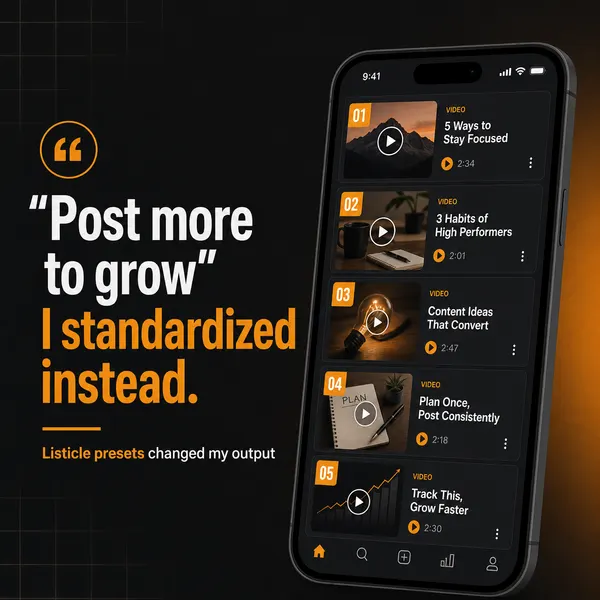
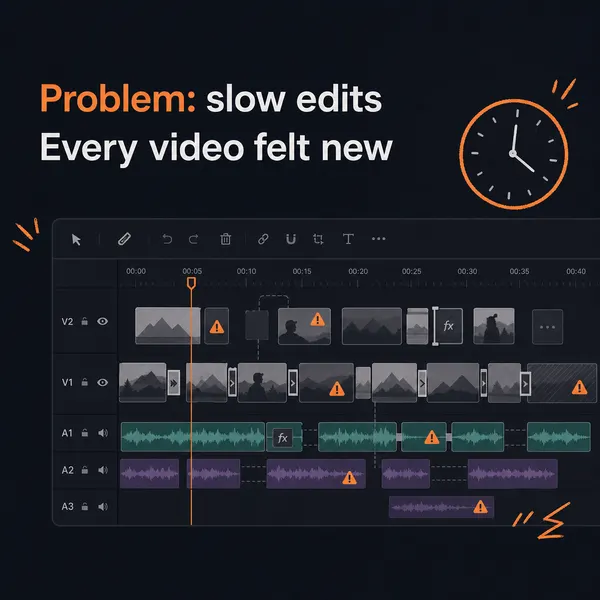
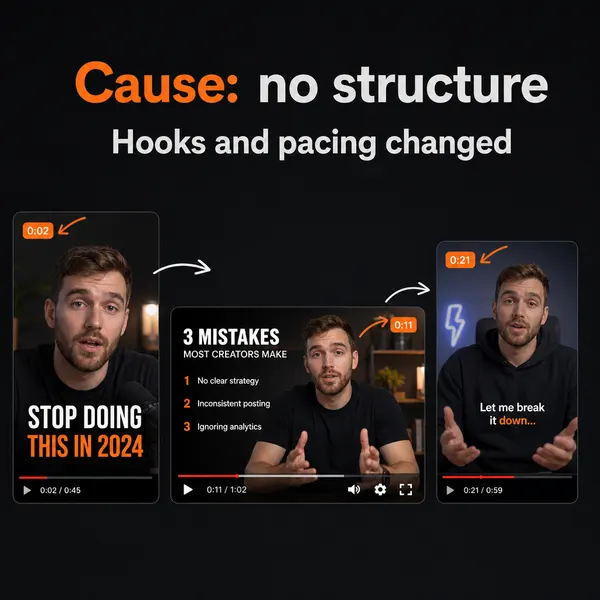
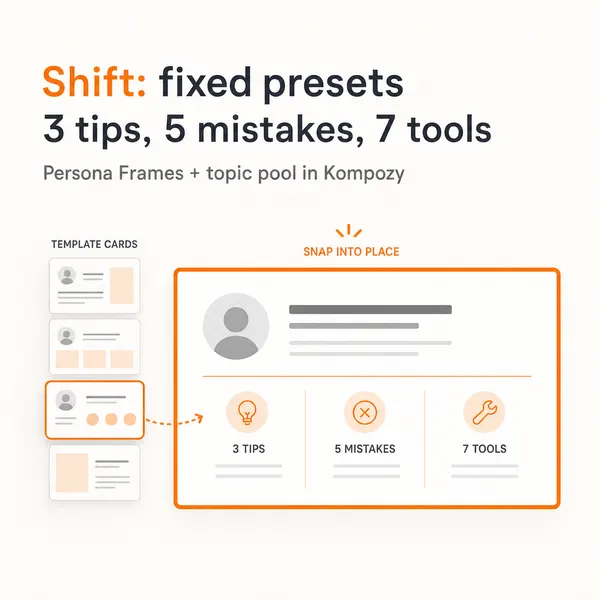
A real carousel made in the Kompozy workspace, shown as an example of the format. It was not made for this guide.
Who is this for, and who should skip it?
Best for:
- Solo creators and small teams who already draft posts with Claude or another assistant.
- People with a clear brand voice and examples to upload.
- Anyone willing to review every post before it goes out.
Not ideal for:
- Anyone who wants fully hands-off posting. Keep a human gate on every post.
- People who only need a few text drafts and already have visuals. Your Claude setup alone covers that.
- Teams with no time for a weekly planning session. The loop needs a person in it.
Frequently asked questions
Can Claude actually manage my social media?
Claude can run the tactical half of management — planning a calendar, drafting platform-native posts, and repurposing one source into many — and with a Project of persistent brand context it does all of that in your voice. What it cannot do on its own is make the video or carousels most posts need, or publish on a schedule while you are offline. So it is an excellent planner and drafter, but a full manager setup pairs it with a production-and-publishing layer plus your own approval.
Why use a Claude Project instead of just a chat?
A Project keeps your instructions and reference files persistent across every conversation, so the assistant already knows your positioning, pillars, and banned words without you re-pasting them. Claude uses the project instructions for every chat in the Project. A fresh chat forgets all of that between sessions, which is why one-off chats drift and a Project stays on-brand.
What should I put in the assistant's brief?
Your positioning, your target audience, your three-to-five content pillars, the tone you want, and an explicit list of words, claims, and topics you never use. Then upload a handful of your best past posts and your style guide as reference. Instructions tell the assistant who you are; the example posts show it. Together they are what make every draft sound like you instead of like default model output.
Can the AI assistant post directly to my accounts?
Not by default — a chat assistant produces drafts and stops. Some publishing connectors exist (for example, a Buffer integration lets Claude queue posts from a chat), but even those only fire inside a conversation you start and still leave the media to you. For unattended, scheduled publishing across platforms you route the approved batch to a scheduler or a publishing engine that runs on a calendar.
Is it safe to let an AI assistant run my social media unsupervised?
No. Running a model fully hands-off drifts toward generic, low-variation content that platforms suppress and demonetize, and it will eventually ship something wrong or off-brand with nobody to catch it. Keep a human review gate before every publish and keep the creative angle in your hands. Automate the drafting and production aggressively; hard-stop at the angle and the final approval.
How do we know this?
On 2026-10-23 we checked Claude's project instructions and knowledge features and Buffer's Claude integration against the sources listed below. Kompozy plan details come from kompozy.io/pricing.
Sources
- Claude Help Center: How can I create and manage projects? (read 2026-10-23)
- Buffer: Claude integration (read 2026-10-23)
- Kompozy: Pricing (read 2026-10-23)