VODForge Ships as a Free, Open-Source Desktop App for Downloading YouTube Videos and Playlists
A local, MIT-licensed downloader built on yt-dlp and FFmpeg, aimed at people who want a clean way to save their own uploads and licensed clips for editing — no web converter, no account.
2026-09-06 · by Moe Ameen
Published 2026-09-06 · Updated
Short answer
VODForge is a free, open-source desktop app that downloads YouTube videos and playlists. Built on yt-dlp and FFmpeg and released under the MIT license, it saves MP4 video up to 4K and MP3 audio up to 320 kbps, keeps a local library sorted by channel and playlist, and needs no account. It runs on macOS and 64-bit Windows 10 and 11. It only downloads, and it grants no rights to the content.
Key takeaways
- VODForge is a free, MIT-licensed YouTube downloader for Mac and Windows.
- It saves MP4 up to 4K and MP3 up to 320 kbps, and handles whole playlists.
- It runs locally on yt-dlp and FFmpeg, needs no account, and lets you turn off analytics.
- Developer Cooper Nusbaum posted it to Hacker News in September 2026.
- Only download videos you own or have permission to reuse.
What is VODForge?
VODForge is a free desktop application for downloading YouTube videos and playlists, released under the MIT license with its source code on GitHub. It surfaced publicly on Hacker News in September 2026 through a "Show HN" post from developer Cooper Nusbaum; the app is published by Kryden Ventures, LLC. It runs on macOS (Apple Silicon Macs on macOS 26 or newer, Intel Macs on macOS 15 or newer) and 64-bit Windows 10 and 11. There is no Linux build. When we rechecked the site on October 23, 2026, the current release was version 0.2.5.
Functionally it is a friendly desktop interface over yt-dlp and FFmpeg — the same open-source engines that power most command-line YouTube downloading — with settings preconfigured for high-quality output. It saves MP4 video up to 4K and MP3 audio up to 320 kbps, processes playlists as a sequential queue, preserves metadata and cover art (from the YouTube source or a custom image), and keeps a persistent, searchable local library that auto-organizes downloads by channel and playlist with a side-by-side source-and-output view. It runs entirely on your machine, requires no account, and offers optional, configurable anonymous usage tracking.
The developer says VODForge began as an internal tool at a connected-TV company that needed to pull partner YouTube content into a media workflow at good bitrates, built as an alternative to paid software and what he called "sketchy converter sites."
Treat the version and feature specifics as current to the early releases and confirm them on the official page, since a 0.x tool moves quickly. And note the obvious boundary: downloading is governed by copyright and YouTube's Terms of Service. A frictionless local downloader does not grant any rights — the responsibility to only save content you own or are licensed to use sits with the person running it.
Why does VODForge matter for creators?
- Owning your source files is the prerequisite for repurposing. If you publish long-form on YouTube, a clean local copy of your own upload is the raw material every clip, carousel, and blog post is cut from — you cannot repurpose a video you can only stream.
- Free, local, and open-source removes the usual friction: no watermark, no uploading your footage to an unknown web converter, and no subscription for what is really just a capture step.
- Running yt-dlp and FFmpeg under a GUI gives you quality and format control most browser converters skip — real 4K video, 320 kbps audio, and whole-playlist downloads instead of a single re-encoded stream.
- It deliberately does one thing. VODForge downloads; it does not edit, transcribe, caption, cut a long video into platform-native shorts, or publish anywhere. The production and distribution work all lives downstream.
- Rights and platform rules still apply. A smoother downloader changes none of the copyright or Terms-of-Service questions — using it responsibly means only pulling content you created or have permission to reuse.
How can creators repurpose downloaded videos with Kompozy?
A downloaded file is where the interesting work starts, not where it ends — and that downstream step is exactly what Kompozy is built for. Once you have legitimately saved your own long-form YouTube upload as an MP4, Kompozy turns that single file into a week of platform-native posts: use Clipped Shorts to cut the long video into vertical segments, auto-caption each cut, reframe to 9:16, 1:1, or 16:9 per destination, and schedule the whole set across the eight primary social platforms plus blog and email behind a per-post review.
Kompozy also generates the formats a downloader can't touch, all from the same source video: pull the key lines into Quote Graphics and a Carousel for the feed, turn the transcript into a blog article and an email newsletter for owned channels, and record a recurring Persona Short — a face-locked AI-influencer avatar — that stays on message via a written Persona Brief. VODForge gets your own footage off YouTube and onto your disk; Kompozy turns that footage into a repeatable, on-brand content operation across nine destinations.
What are the quick takeaways on VODForge?
- VODForge is a free, MIT-licensed, open-source desktop app that downloads YouTube videos and playlists to MP4 (up to 4K) or MP3 (up to 320 kbps).
- It runs on macOS (Apple Silicon on macOS 26+, Intel on macOS 15+) and 64-bit Windows 10/11 — no Linux build — as a GUI over yt-dlp and FFmpeg, with no account required.
- It surfaced on Hacker News in September 2026 from developer Cooper Nusbaum; the current version was 0.2.5 on October 23, 2026.
- It only downloads — no editing, captioning, clipping, or publishing — and it grants no rights, so responsible use means only saving content you own or licensed.
What does this look like in Kompozy?
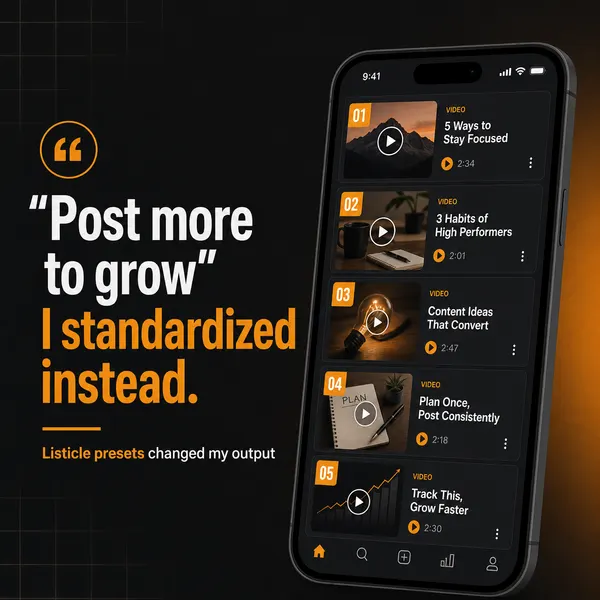
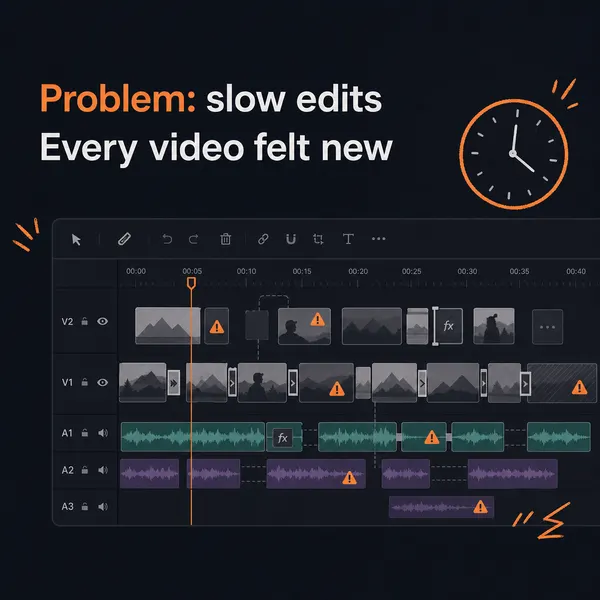
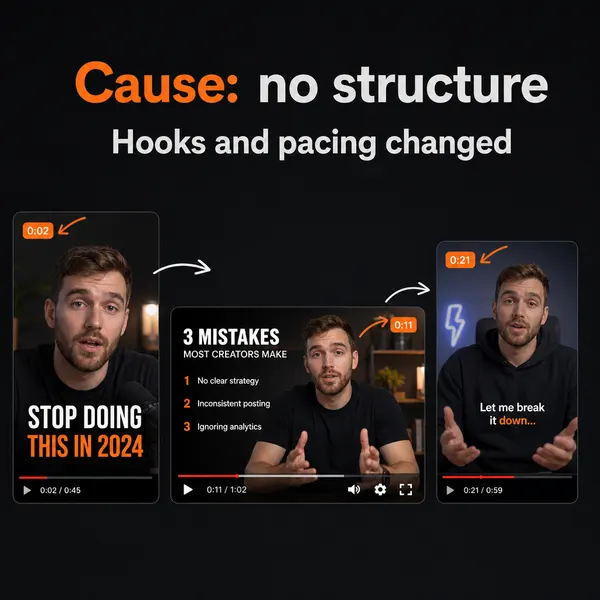
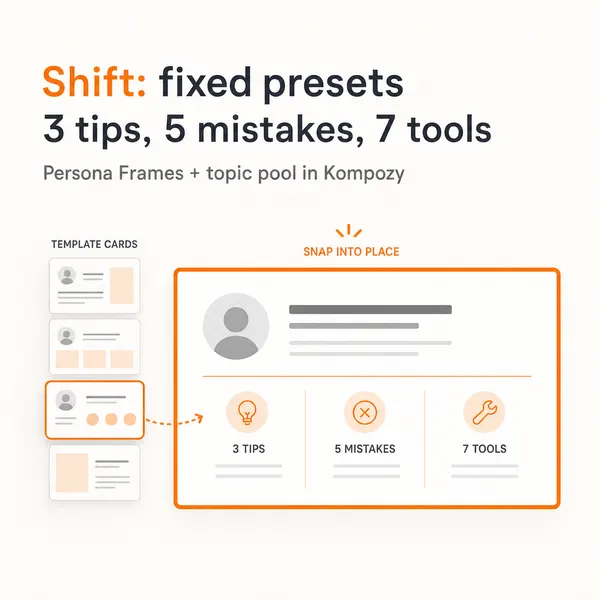
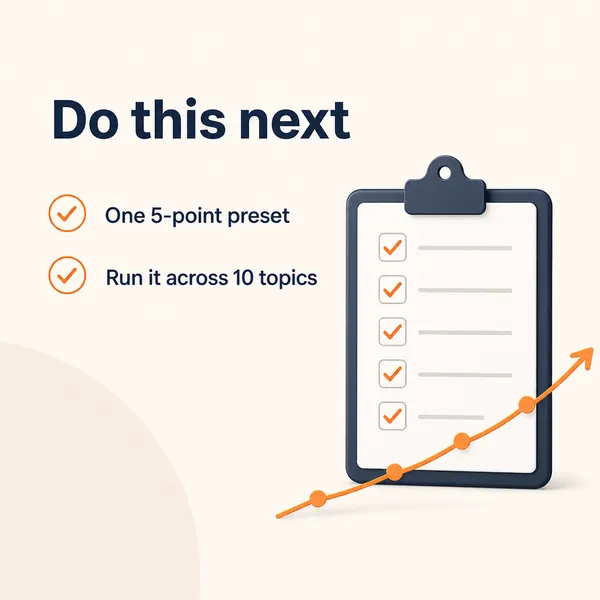
This five-slide carousel came out of the Kompozy workspace. It shows one of the feed formats a creator can build from their own long-form video once they have the file.
Who is this for, and who should skip it?
Best for:
- Creators who want clean local copies of their own YouTube uploads for editing
- People who would rather not upload footage to a web converter site
- Teams that need playlists downloaded in bulk at high quality
Not ideal for:
- Linux users, since there is no Linux build
- Anyone wanting to download content they do not own or license
- Creators who need editing, captions or publishing, which VODForge does not do
Frequently asked questions
Is VODForge free?
Yes. The VODForge desktop app is free and open-source under the MIT license, with its code on GitHub, and it needs no account to use.
What operating systems does VODForge support?
macOS (Apple Silicon Macs on macOS 26 or newer, Intel Macs on macOS 15 or newer) and 64-bit Windows 10 and Windows 11. There is no Linux build at the time of writing.
What can VODForge download and in what quality?
YouTube videos and playlists, saved as MP4 video up to 4K or MP3 audio up to 320 kbps. It runs on yt-dlp and FFmpeg with settings preconfigured for high-quality output, keeps a searchable local library, and preserves metadata and cover art.
Is it legal to download YouTube videos with VODForge?
It depends entirely on what you download. YouTube's Terms of Service and copyright law govern that, not the tool — VODForge grants no rights. The safe use is downloading content you created and own, or footage you have explicit permission or a license to reuse.
How do we know this?
We checked every figure, date, quote and product claim on this page against the sources listed below on 2026-10-23, and removed or rewrote anything we could not confirm. VODForge features, system requirements and version come from its official site and GitHub README, and the origin story from the developer's Show HN post. Kompozy plan and format details come from kompozy.io.
Sources
- VODForge — Free YouTube downloader for Mac and Windows (read 2026-10-23)
- Hacker News — Show HN: VODForge, a free local desktop UI for YouTube video/playlist downloads (read 2026-10-23)
- GitHub — SnowfallHD/vodforge README (read 2026-10-23)
- Kompozy — Pricing and plans (read 2026-10-23)